Most tailoring shops already run on WhatsApp – usually from the owner's personal phone, with design photos, measurements, voice notes and payment screenshots all mixed into family chats. This guide shows how to set WhatsApp up for the shop, what to ask for with every order, which replies to save, how to send reminders customers do not mind, and why the order itself should never live only in a chat.
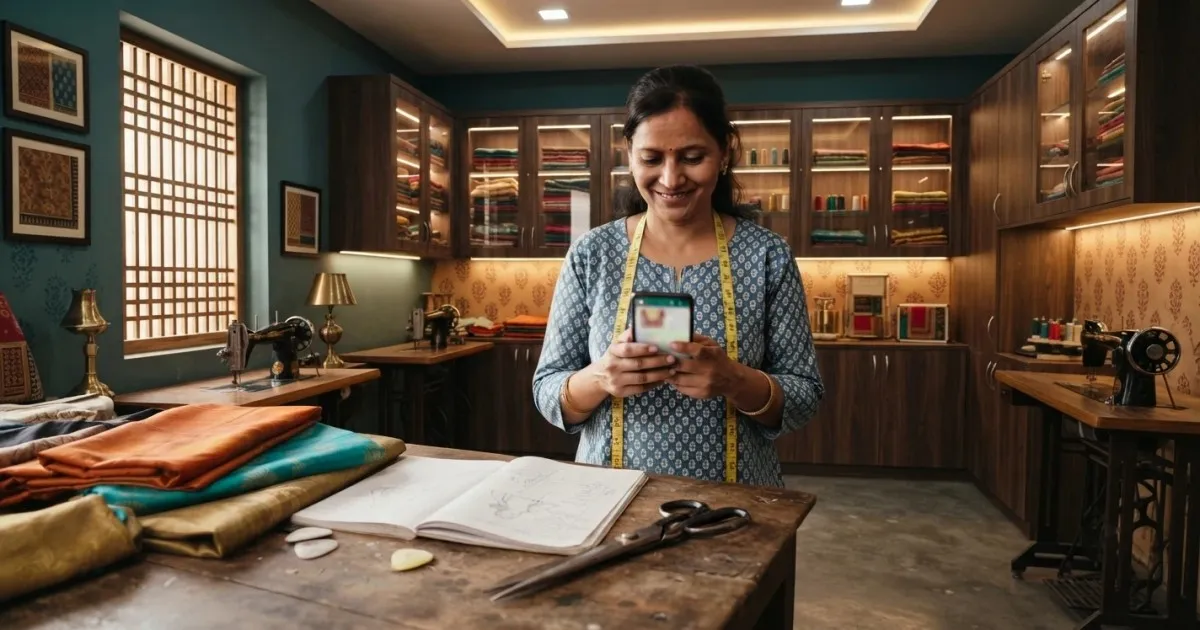
Tailor shop owner reading a customer's order on her phone at the cutting table
The phone rings less than it used to. Instead it buzzes all day. A blouse photo from Instagram with “same like this”. A voice note about the sleeve length. A screenshot of a payment that may or may not be for the right order. A message at eleven at night asking if the dress is ready.
Each message is small. Together they take hours, and the important ones – the measurement change, the new delivery date – are buried under forty others by the next morning.
WhatsApp is not the problem. Using it without rules is.
In this guide you will find:
Why WhatsApp turns into chaos in most shops
Personal number or WhatsApp Business – what actually changes
What to collect with every order taken on WhatsApp
Ready-made replies every shop should save
How to send reminders without annoying customers
Where the order record has to live
Why WhatsApp Turns Into Chaos
Four reasons, and every one of them is a habit, not a fault of the app.
The Shop Uses the Owner's Personal Number
Orders arrive between family messages, school groups and forwarded videos. Nothing is separated, so nothing can be found, and the shop stops when the owner's phone is switched off.
Orders Arrive in Pieces
The design comes on Monday, the measurements on Wednesday, the delivery date in a voice note on Friday. Nobody puts the pieces together until the customer asks why her blouse is not ready.
Every Reply Is Typed From Scratch
“What are your rates?” “When is it ready?” “What is your address?” The same ten questions are answered a hundred times a month, one thumb at a time.
The Chat Becomes the Order Book
When the only record of an order is a chat, it is lost when the phone is lost, changed or full. It also cannot be searched, totalled or handed to a staff member.
Personal Number or WhatsApp Business
WhatsApp Business is a separate free app made for exactly this. The difference is not the chat – it is the tools around it:
| Personal number | WhatsApp Business |
|---|
Shop name, address and hours | Not shown | Shown on the business profile |
Saved replies | Not available | Quick replies, sent with a shortcut |
Greeting and away messages | Not available | Sent automatically, including after closing time |
Sorting chats | One long list | Labels such as New order, Waiting, Ready, Paid |
Showing your work | Photos sent one by one | A catalogue of designs and rates |
Separating home and shop | Mixed together | A separate shop number |
Moving to a separate shop number takes an afternoon. Tell regular customers once, put the number on the bill and the board, and the mixing stops.
What to Collect With Every Order
An order taken on WhatsApp should end with the same information as an order taken at the counter. Before the order is accepted, the shop needs:
The design photo, with a short note on what to copy and what to change.
Measurements – or, for a new customer, a visit to be measured properly.
The garment, lining and any add-ons, with the rate for each.
The delivery date, confirmed in writing in the chat.
The advance, paid by UPI, with the order number written against it.
Then send one summary message with all of it. That message, not the forty before it, is the order. If something changes later, send a new summary.
Ready-Made Replies Every Shop Should Save
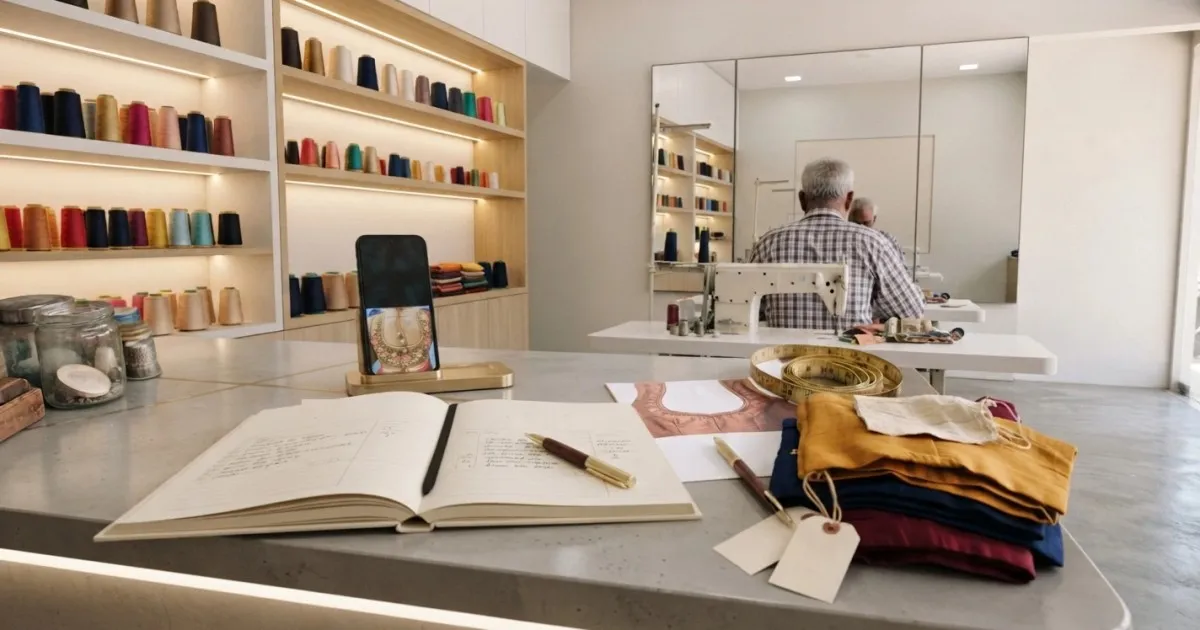
Smartphone with a customer's design photo beside the shop order book on the counter
Saved replies answer the common questions in seconds and say the same thing every time, whoever is holding the phone:
Situation | What the reply covers |
|---|
New enquiry | Greeting, shop timings, address and a request for the design photo |
Rates | The rate card as one image, with the date it was last updated |
Order summary | Garment, add-ons, rate, advance, balance and delivery date |
Measurement visit | Best times to come in, and how long it takes |
Garment ready | Ready for collection, balance due and shop timings |
Payment received | Amount received, order number and balance left |
After closing time | Shop is closed, will reply in the morning, with opening time |
Write them once in your own words and your own language. A reply that sounds like the shop is better than a perfect one that sounds like a company.
Sending Reminders Without Annoying Customers
Customers do not mind reminders. They mind reminders that are vague, frequent or sent at the wrong time:
Send the ready message on the day the garment is ready, with the balance written in it.
Send at most one follow-up a week, during shop hours.
Keep every reminder short and factual – the garment, the amount, the timings.
Put a UPI option in the message so the balance can be paid before the visit.
Call regular customers instead of sending a third message.
How long to wait and what to do about garments that are never collected is covered in our guide to advance payments and unclaimed garments.
Status, Catalogue and Broadcasts
WhatsApp is also where many shops get repeat orders. Used carefully, it brings customers back without feeling like advertising:
Post finished work on Status, with the customer's permission and without her face.
Keep the catalogue to designs you actually cut well, with a starting rate on each.
Use broadcast lists for seasonal notices – festival booking dates, wedding-season cut-off. Broadcasts reach only people who have saved your number.
Never add customers to groups without asking. A shop group full of strangers' numbers loses trust quickly.
For more ways to bring new customers in, see our guide on how to get more customers for your tailoring shop.
Where the Order Record Has to Live
WhatsApp is where the conversation happens. It should not be where the business is kept. Every order still needs a record outside the chat that carries:
The order number, garment, design reference and add-ons.
Measurements, stored against the customer, not in a photo of a notebook.
The rate, advance, balance and payment dates.
The promised delivery date and the date the ready message was sent.
With that, a lost phone is an inconvenience instead of a disaster, and a staff member can answer “is it ready?” without asking the owner.
If you would rather keep orders, measurements and payment reminders together in one app, Juvee is the shop management app built for tailoring shops.
Questions Tailors Ask
Should my tailoring shop use WhatsApp Business?
If more than a few orders a week come through WhatsApp, yes. A separate shop number, saved replies, labels and an away message save time every day and keep shop and family messages apart.
Can I take measurements over WhatsApp?
For a regular customer whose measurements you already hold, small changes over WhatsApp are fine. For a new customer, a measurement taken by someone else at home is the most common cause of a bad fit. Ask her to come in, or confirm every figure before cutting.
How do I stop customers messaging late at night?
Set an away message with your shop timings, put the timings on your profile, and reply in the morning. Customers adjust quickly once replies always come during shop hours.
Is it safe to accept payment through WhatsApp?
Accept payment through UPI to the shop's account and check it arrived in the bank or UPI app before marking it paid. A screenshot alone is not proof of payment.
Can I post customers' garments on Status?
Ask first, and leave out faces unless she agrees. Most customers are happy to see their garment shown; very few like to discover it.
Should I use WhatsApp groups for my customers?
Not without asking each person first. Broadcast lists send the same message privately to each customer, which suits a shop much better than a group.
Make the Phone Work for the Shop
A shop that uses WhatsApp with a few simple rules spends less time typing and more time cutting. The order still has to become a pattern, and the quickest way to see how fast that can happen is to watch one drafted from measurements you brought yourself.
Book a free demo – on-site or online, in your language, with no commitment.